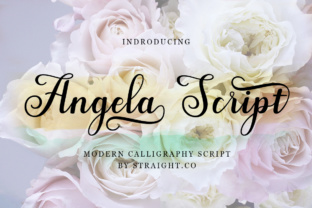
Angela Script: A Sweet Calligraphy Style for Elegant Designs
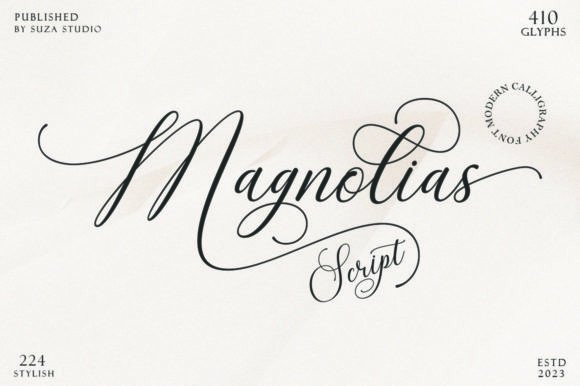
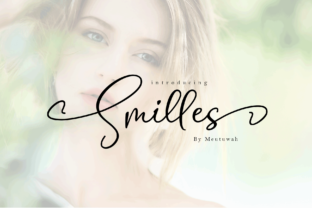
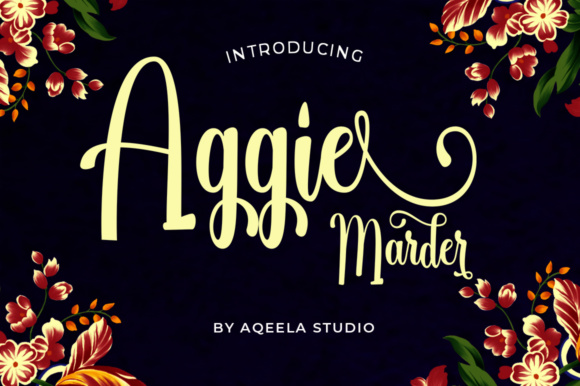
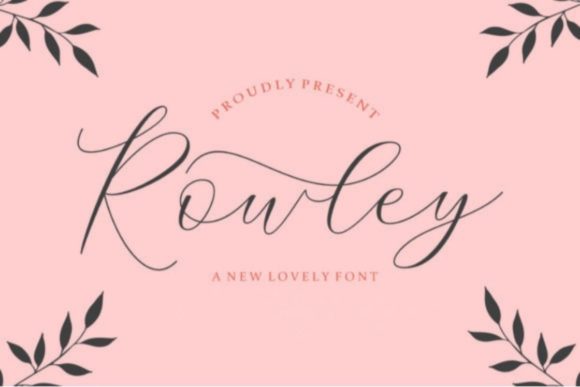
Angela Script is a beautiful and versatile calligraphy font that brings a sense of elegance and personality to any design. With its dancing baseline and dynamic, casual letterforms, it’s a popular choice among designers, marketers, and creatives looking to add a touch of sophistication to their projects. Whether you're designing logos, social media posts, wedding invitations, or branding materials, Angela Script can elevate your work with its unique charm.
Why Choose Angela Script?
Angela Script stands out because of its fluidity and expressive style. Unlike more rigid sans-serif or serif fonts, this script font feels alive, with each letter flowing into the next in a natural, hand-written way. Its casual appearance makes it ideal for creative and artistic applications, while still maintaining enough clarity for readability.
Many people are drawn to Angela Script because it adds a personal and artistic flair to digital and print designs. It's especially useful for branding that wants to convey warmth, creativity, and approachability. However, choosing and using this font effectively requires some understanding of its characteristics and limitations.
Common Mistakes When Using Angela Script
While Angela Script is visually appealing, there are common pitfalls that users often fall into. One mistake is using it for all types of text without considering legibility. Because it’s a script font, it may not be the best choice for long paragraphs or body text where readability is crucial.
Another issue is incorrect spacing and sizing. Script fonts like Angela Script require careful attention to kerning and tracking to ensure that letters don’t clash or appear too cramped. Failing to adjust these settings can result in an unprofessional look, even if the font itself is beautiful.
Some users also overlook the importance of pairing Angela Script with complementary fonts. Using it as the only font in a design can lead to visual imbalance. It works best when paired with a clean, modern sans-serif or serif font for headings and body text.
How to Avoid Common Pitfalls
To get the most out of Angela Script, start by understanding where it shines and where it doesn't. Use it for headlines, logos, and short phrases rather than for large blocks of text. This will help maintain both visual appeal and readability.
When working with Angela Script, take time to adjust the spacing between characters. Many design software programs offer tools for fine-tuning kerning and tracking. If you're unsure how to do this manually, look for pre-spaced versions of the font or use online tools that automatically adjust spacing for you.
Experiment with different pairings. Try combining Angela Script with a contrasting font like Helvetica or Georgia to create balance in your design. This combination can make your message more effective and your visuals more professional.
What to Check Before Using Angela Script
Before downloading or purchasing Angela Script, consider a few key factors. First, check the licensing agreement to make sure it’s suitable for your intended use. Some fonts are only free for personal use, while others require a license for commercial purposes.
Next, verify the font’s compatibility with your design software. Not all fonts work well across different platforms or applications, so it's important to test it before committing to a purchase. Also, look at the file formats available—TrueType (.ttf) and OpenType (.otf) are generally the most widely supported.
Finally, review the font’s character set. Ensure that it includes all the necessary symbols, accents, and special characters you might need for your project. Missing characters can cause formatting issues and require additional troubleshooting.
Realistic Examples and Better Approaches
Let’s say you're designing a wedding invitation. You might be tempted to use Angela Script for the entire layout, from the title to the address. However, this could make the text difficult to read, especially for guests who may be viewing it on a phone or tablet. Instead, use Angela Script for the main title and switch to a simpler font for the rest of the content.
If you're creating a logo, consider how Angela Script will look at different sizes. A script font can become distorted or unclear when scaled down, which is a common issue in logo design. Always test your logo at various sizes to ensure it remains legible and visually appealing.
For social media posts, Angela Script can be used to highlight quotes or captions, but avoid overusing it. Too much script font can overwhelm the viewer and detract from the message. Keep it subtle and purposeful.
Final Tips for Working with Angela Script
Remember that Angela Script is a tool, not a solution on its own. It should enhance your design, not distract from it. Use it thoughtfully, and always consider the context of your project.
Take the time to learn about typography basics, such as hierarchy, contrast, and alignment. These principles will help you make better decisions when selecting and applying fonts like Angela Script.
Lastly, stay open to feedback. Sometimes, what looks great on your screen may not translate well to print or other mediums. Ask others to review your work, and be willing to make adjustments based on their input.
With the right approach, Angela Script can be a powerful addition to your design toolkit. By avoiding common mistakes and using it wisely, you can create elegant, professional, and visually engaging projects that stand out from the crowd.